Apple has announced watchOS 27 with several changes focused on making the Apple Watch easier to navigate, faster to use, and more helpful in daily situations. The update brings a redesigned app grid, a new gesture for Smart Stack controls, Wallet improvements, and multiple system refinements.
What Is the News?
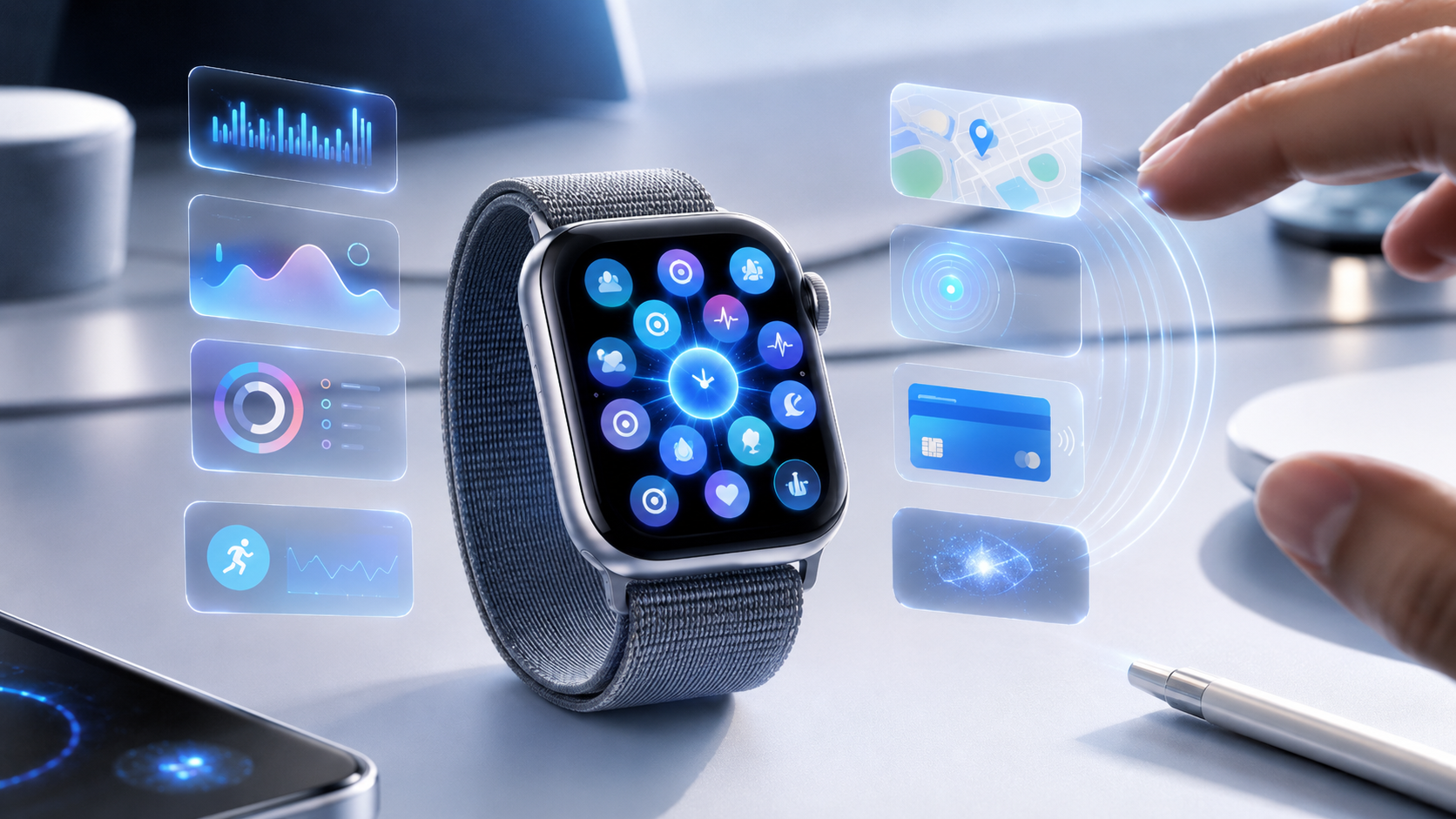
Apple unveiled watchOS 27 as the next major software update for Apple Watch. The biggest visible change is a new dynamic app grid that can surface and rearrange apps based on usage and context.
The update also adds a new tap gesture that lets users interact with Smart Stack widgets by tapping the index finger and thumb together. This is designed for moments when the other hand is busy and touching the screen is inconvenient.
Why Is This in the News?
This is important because Apple Watch is a small-screen device, and every improvement in navigation can make a big difference. The watch already handles health tracking, notifications, payments, workouts, calls, and quick app access, so Apple is trying to make those actions easier to reach.
watchOS 27 also arrives as Apple continues improving its wearable software after recent design changes. Instead of introducing only one headline feature, this update focuses on practical usability across apps, widgets, Wallet, Find My, calls, and battery behavior.
Purpose of watchOS 27
The purpose of watchOS 27 is to make Apple Watch feel more responsive, more contextual, and less dependent on manual searching. The dynamic app grid tries to show useful apps at the right time, while Smart Stack suggestions aim to bring helpful information forward automatically.
Apple is also improving small daily experiences, such as music playback startup, Wi-Fi connectivity, app extension launches, Wallet card access, and Find My navigation. These updates may not sound huge individually, but together they can make the watch feel smoother.
Key Points
- watchOS 27 introduces a redesigned dynamic app grid for Apple Watch.
- The new app grid can surface five apps based on context and usage.
- A new tap gesture lets users select Smart Stack widgets with one hand.
- Smart Stack suggestions can show timely cards such as birthdays, parked car location, alarms, and transit balances.
- Users can create custom QR code or barcode passes on iPhone and use them from Apple Watch Wallet.
- Find My has been redesigned with a more map-focused layout.
- Apple says the update includes better readability, battery optimizations, faster app behavior, and improved connectivity.
Usefulness for Apple Watch Users
The dynamic app grid could be useful for people who open the same apps at certain times of day. For example, workout apps, music, maps, or calendar tools may become easier to reach when they are most relevant.
The new hand gesture is also practical. If someone is carrying a bag, cooking, exercising, or holding something, a simple finger tap can be easier than reaching across to touch the Apple Watch screen.
Advantages
- Faster access to important apps through the dynamic app grid.
- Easier one-handed interaction with the new Smart Stack gesture.
- More helpful widget suggestions based on real-world context.
- Better Wallet support for custom passes, IDs, and transit cards.
- Improved Find My experience with a unified map-based view.
- System refinements may make daily use feel smoother and more reliable.
Disadvantages and Concerns
Some users may not like an app grid that changes based on context. Dynamic layouts can be helpful, but they can also feel confusing if apps move around too often or appear in unexpected places.
Another concern is compatibility. New Apple Watch features sometimes require newer models, so older watch owners may not receive every improvement. Users will need to check official compatibility details before expecting the full watchOS 27 experience.
Impact
watchOS 27 shows Apple continuing to treat the Watch as a more independent and context-aware device. The focus is not only on health tracking, but also on making the watch smarter for payments, calls, location, quick actions, and everyday shortcuts.
If users respond well to the dynamic app grid and gesture controls, Apple may continue adding more predictive and hands-free interactions in future watchOS versions.
Why This Matters
This matters because Apple Watch users depend on quick interactions. A small display needs software that can predict what people need and reduce the number of taps required to get things done.
watchOS 27 may not completely change the Apple Watch, but it improves many of the moments that make wearables useful: checking information, opening apps, making payments, locating people and devices, and controlling widgets quickly.
Conclusion
watchOS 27 is a practical update focused on speed, context, and one-handed usability. The dynamic app grid, new gesture control, better Smart Stack suggestions, Wallet upgrades, and Find My redesign all point toward a more helpful Apple Watch experience.
The update will be most valuable if Apple keeps the new features easy to understand and avoids making the watch feel too unpredictable for users who prefer a stable layout.
Source reference: MacRumors